What is GravityPing?
GravityPing is a simple app that reminds you when it's time to check your gravity during fermentation. You set a schedule, get a nudge, and log the reading. That's the whole app.
No recipe databases. No water chemistry calculators. Just reminders and a log.
Why Track Gravity?
You already know this - gravity readings tell you how your fermentation is progressing. When the numbers stop dropping, you're done. Miss a reading and you might bottle too early (hello, bottle bombs) or let it sit too long.
The problem isn't knowing why to check. It's remembering when to check.
That's where GravityPing comes in.
How to Use GravityPing (4 Steps)
1. Start a Brew
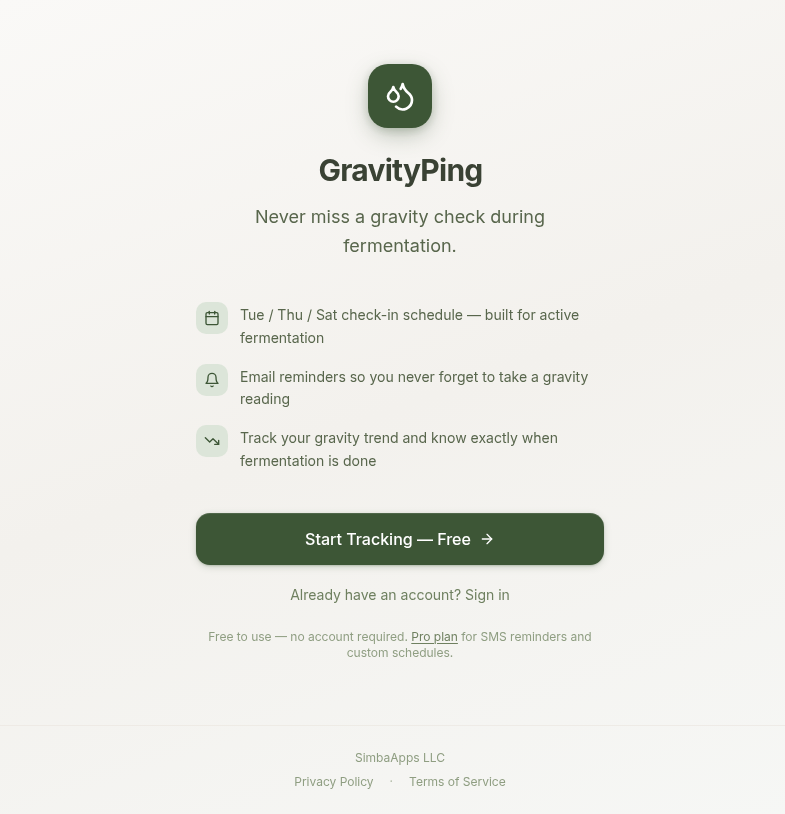
Head to gravityping.com and click "Start Tracking." No account needed - you can try everything before signing up.
Give your brew a name, pick the style (beer, wine, mead, cider, kombucha - whatever you're fermenting), and enter your original gravity.
2. Set Your Schedule
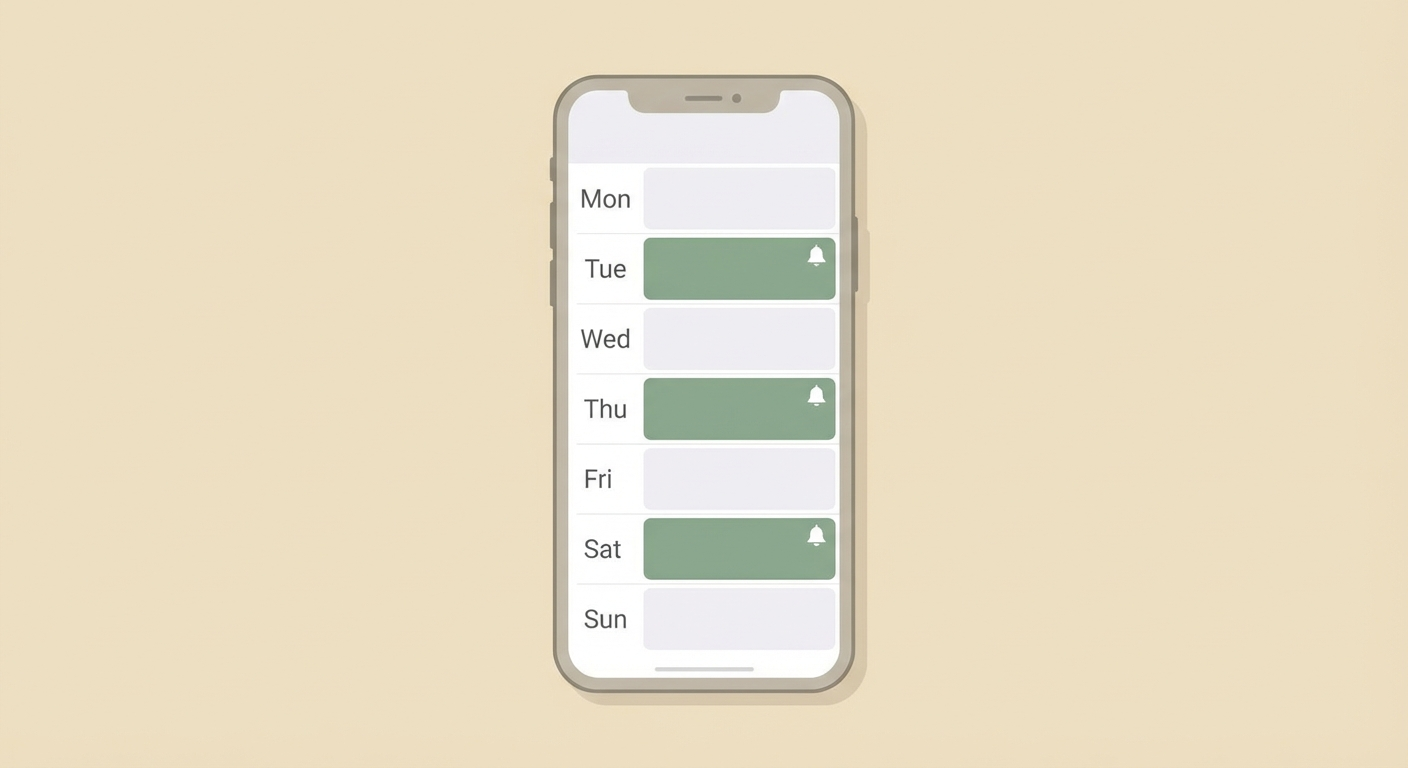
Choose when you want to be reminded. The free tier sends email reminders on whatever schedule you choose - daily, every other day, twice a week, whatever fits your fermentation.
Pro users get reminders via SMS or WhatsApp - harder to miss than email.
3. Get Reminded, Log the Reading
When it's time to check, GravityPing pings you. Open the app, grab your hydrometer, and log the number. One tap.
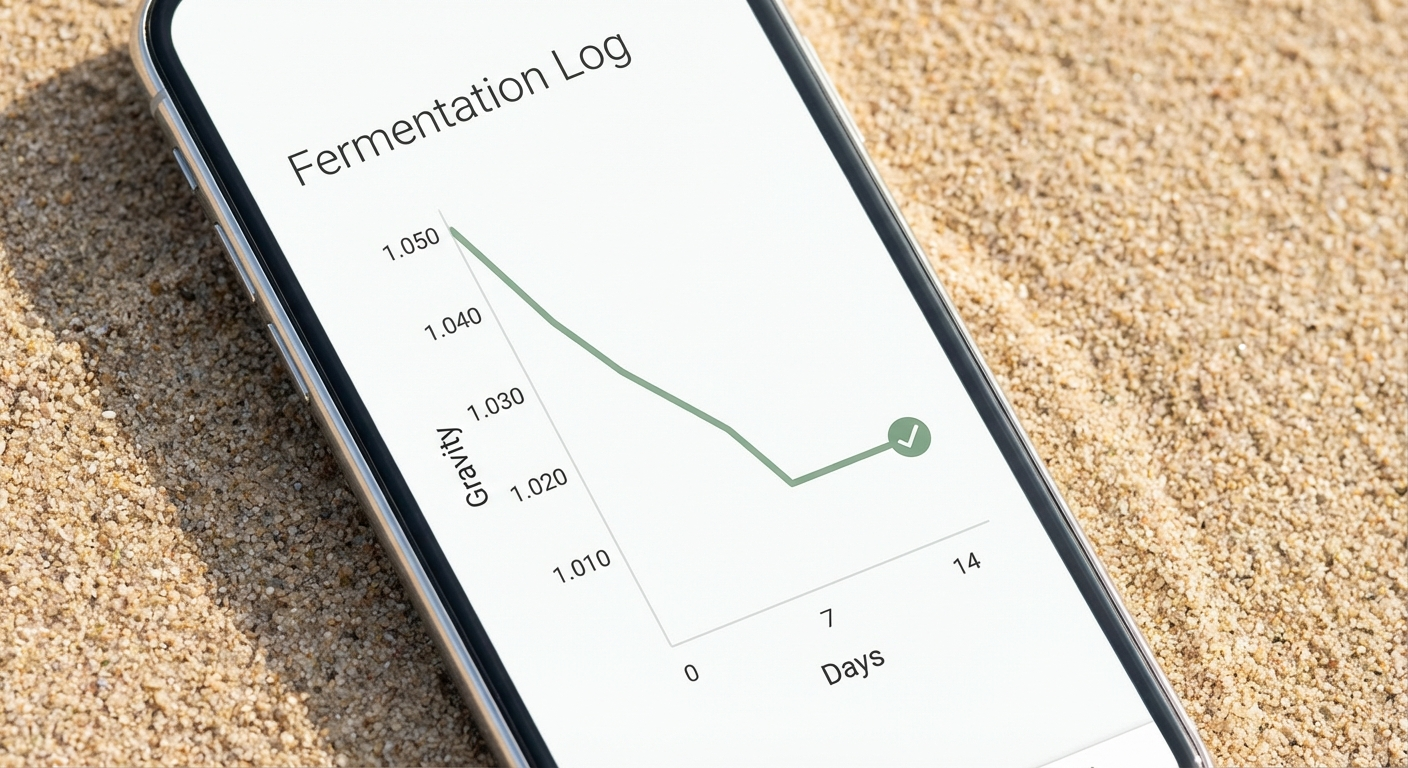
Your readings show up in a simple timeline so you can see your gravity trending down over time.
4. Know When You're Done
Watch your gravity flatten out. When consecutive readings are the same, fermentation is done. No guessing, no "I think it's probably fine."
Free vs Pro
Free:
- Reminders: Email (any custom schedule)
- Brews & gravity log: Unlimited
- Price: Free forever
Pro ($2.99/mo or $29.99/yr):
- Reminders: Email + SMS + WhatsApp
- Everything in Free, plus priority support
Most homebrewers start on free. If you want texts or WhatsApp instead of emails, Pro is there when you're ready.
FAQ
Do I need an account to try it?
Nope. Click "Start Tracking" and you're in. Your data saves locally. Create an account when you want reminders sent to your email/phone.
What fermentations does it support?
Anything with gravity readings - beer, wine, mead, cider, kombucha, sake, hard seltzer. If you use a hydrometer, GravityPing works.
Can I track multiple brews at once?
Yes. Each brew has its own schedule and log.
Is my data private?
Yes. We don't sell data, show ads, or share your brewing habits with anyone. Your readings are yours.
---
Try It
Head to gravityping.com and start tracking your next batch. Takes about 30 seconds to set up. Free, no account required.
Built with care by SimbaApps.